
I Open-Sourced the Skills I Use to Ship iOS Apps at Lightning Speed
I shipped 6 apps in 3 months. A macOS app with a backend, a marketing site, a blog, and 5 iOS apps. Solo. While working a full-time job.
People ask how. The answer isn't talent or hustle — it's tooling. Specifically, Claude Code skills that automate the repetitive parts of iOS development so I can focus on the product decisions that actually matter.
Today I'm open-sourcing all of them: ios-claude-skills
What are Claude Code skills?
Skills are markdown files that teach Claude Code how to handle specific tasks. Instead of explaining your patterns every time ("use async/await, not completion handlers", "check for retain cycles", "follow our naming convention"), you encode them once in a skill file and Claude follows them automatically.
Think of them as reusable prompts, but structured and context-aware. They live in your project's .claude/skills/ directory and activate based on what you're doing.
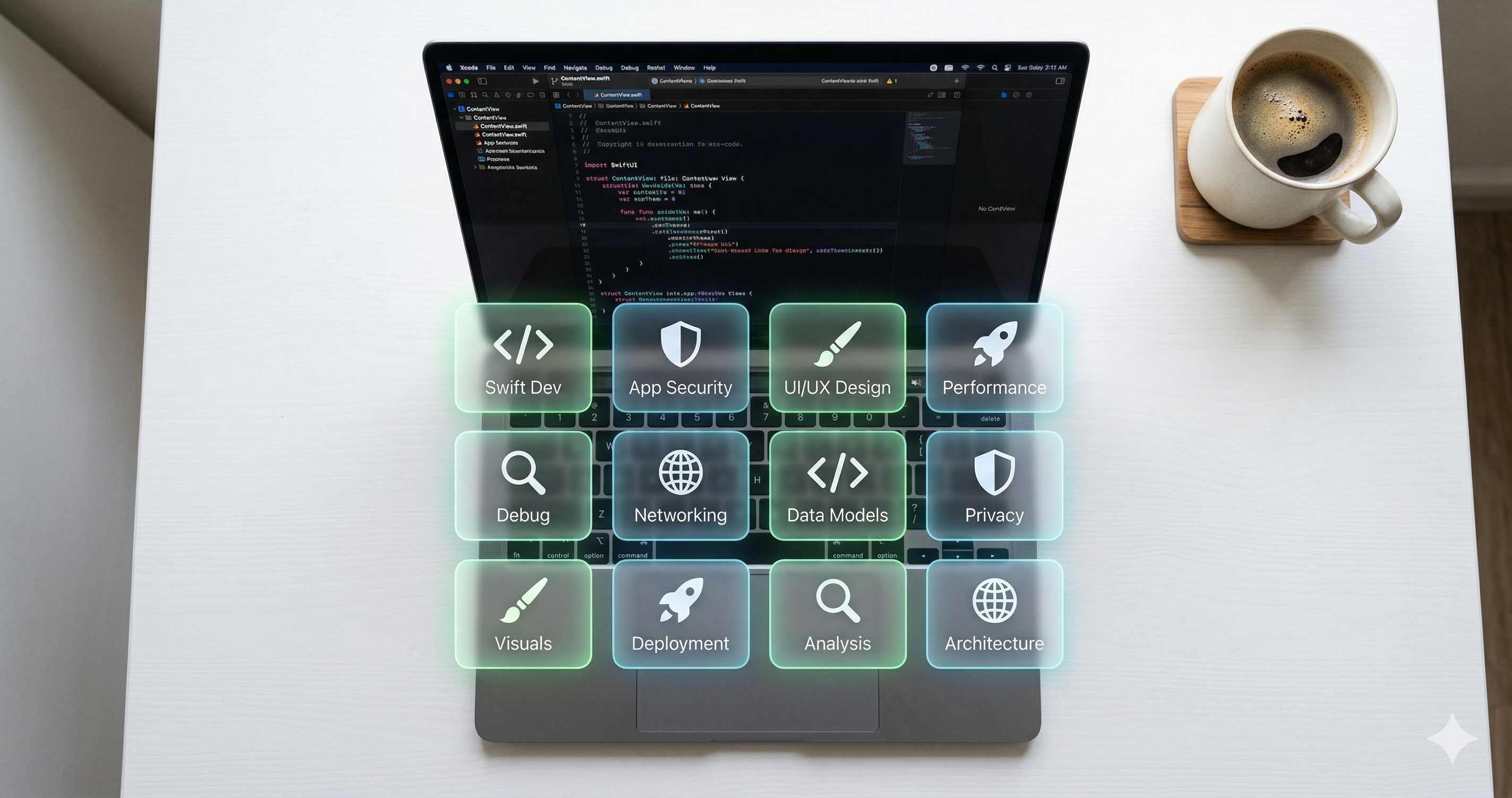
The 12 skills
| Skill | What it does |
|---|---|
swiftui-from-figma | Converts Figma designs to production SwiftUI that matches your design system |
ios-code-review | Full review: retain cycles, threading, SwiftUI pitfalls, security |
unit-tests | Generates tests with proper mocking, naming, and edge cases |
app-store-metadata | ASO-optimized title, subtitle, description, keywords |
accessibility-audit | VoiceOver, Dynamic Type, contrast — finds issues before users do |
localization | String extraction, coverage audit, best practices |
networking-layer | Clean async/await networking with proper error handling |
xcode-build-fix | Diagnoses SPM, signing, linking, and derived data issues |
performance-audit | Main thread violations, retain cycles, missing caching |
privacy-manifest | Generates and validates PrivacyInfo.xcprivacy |
crash-log-analysis | Analyzes crash logs, symbolicates traces, finds root causes |
push-notifications | Full push setup: registration, handling, testing |
Why I built these
When I started building indie apps, I noticed I was repeating the same instructions to Claude Code over and over. "Check for retain cycles." "Use the project's color system, don't hardcode hex values." "Follow the naming convention." "Don't forget the privacy manifest."
Each instruction is small. But across a full development cycle — building features, reviewing code, writing tests, preparing for the App Store — they add up to hours of repeated context-setting.
Skills eliminate that. I set the pattern once, and every future interaction follows it. The compound effect is massive: I stopped explaining how I work and started just working.
How I use them in practice
Here's a real example from last week. I was building a new feature for Mac Wisper and needed to:
- Implement a design from Figma →
swiftui-from-figmagenerated the view using my existing design system components - Add API calls →
networking-layerfollowed my async/await patterns - Write tests →
unit-testscreated meaningful tests, not coverage-padding - Review before merging →
ios-code-reviewcaught a retain cycle I missed - Prepare for release →
privacy-manifestflagged a missing API declaration
That's an entire feature cycle — design to release — with AI following my exact patterns at every step. The speed isn't from cutting corners. It's from never having to explain the same thing twice.
Installation
Drop them into your project:
- Clone the repo:
git clone https://github.com/alexissan/ios-claude-skills - Copy skills to your project:
cp -r ios-claude-skills/skills/* .claude/skills/ - Start using Claude Code — it picks them up automatically
Or copy them to ~/.claude/skills/ for global access across all projects.
These skills reflect how I build iOS apps. They're opinionated. Fork them, edit them, make them yours. The point isn't to follow my patterns — it's to encode yours.